Contract FCE Delivery Using Metriks
End-to-End Workflow: Mobile / Contract FCE Delivery Using Metriks
Referral Intake & Scheduling (Clinic)
- The clinic receives the Functional Capacity Evaluation (FCE) referral.
- The clinic contacts the worker/client, schedules the appointment, and manages all administrative intake.
- Referral paperwork is sent to you in advance of the appointment.
Pre-Assessment Preparation (You)
- You create the FCE assessment in the Metriks FCE software.
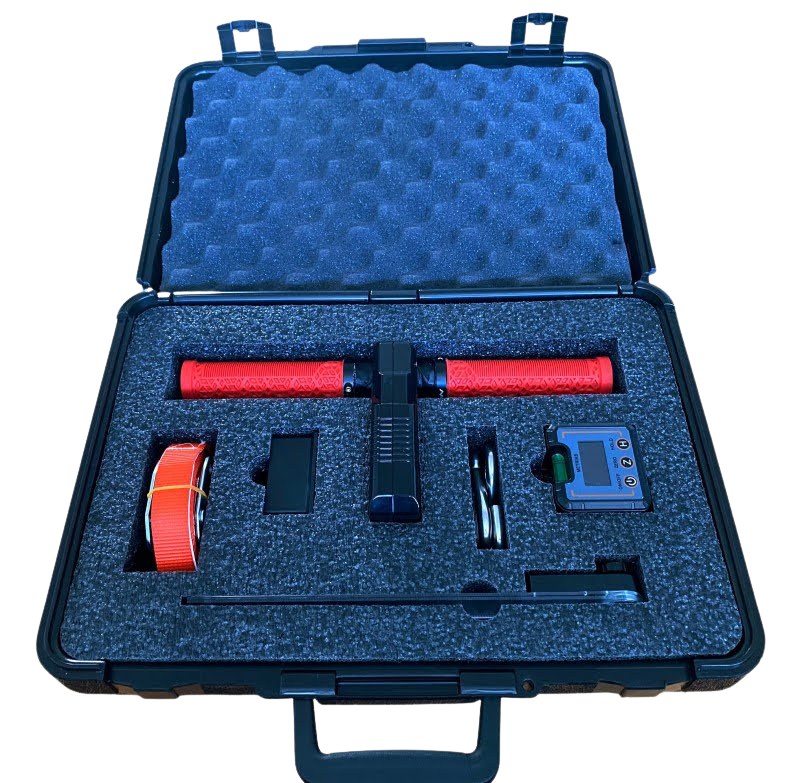
- You review all referral documentation prior to the appointment.You arrive 30 minutes before the scheduled assessment with your FCE-in-a-Box kit
- Clinic-owned weights are used; all other standardized testing tools are supplied by you.
On-Site Assessment
- You set up the testing area.You conduct the FCE and collect all assessment data directly within the Metriks FCE software.
- Upon completion, the worker/client is discharged from the appointment.
Reporting & Documentation
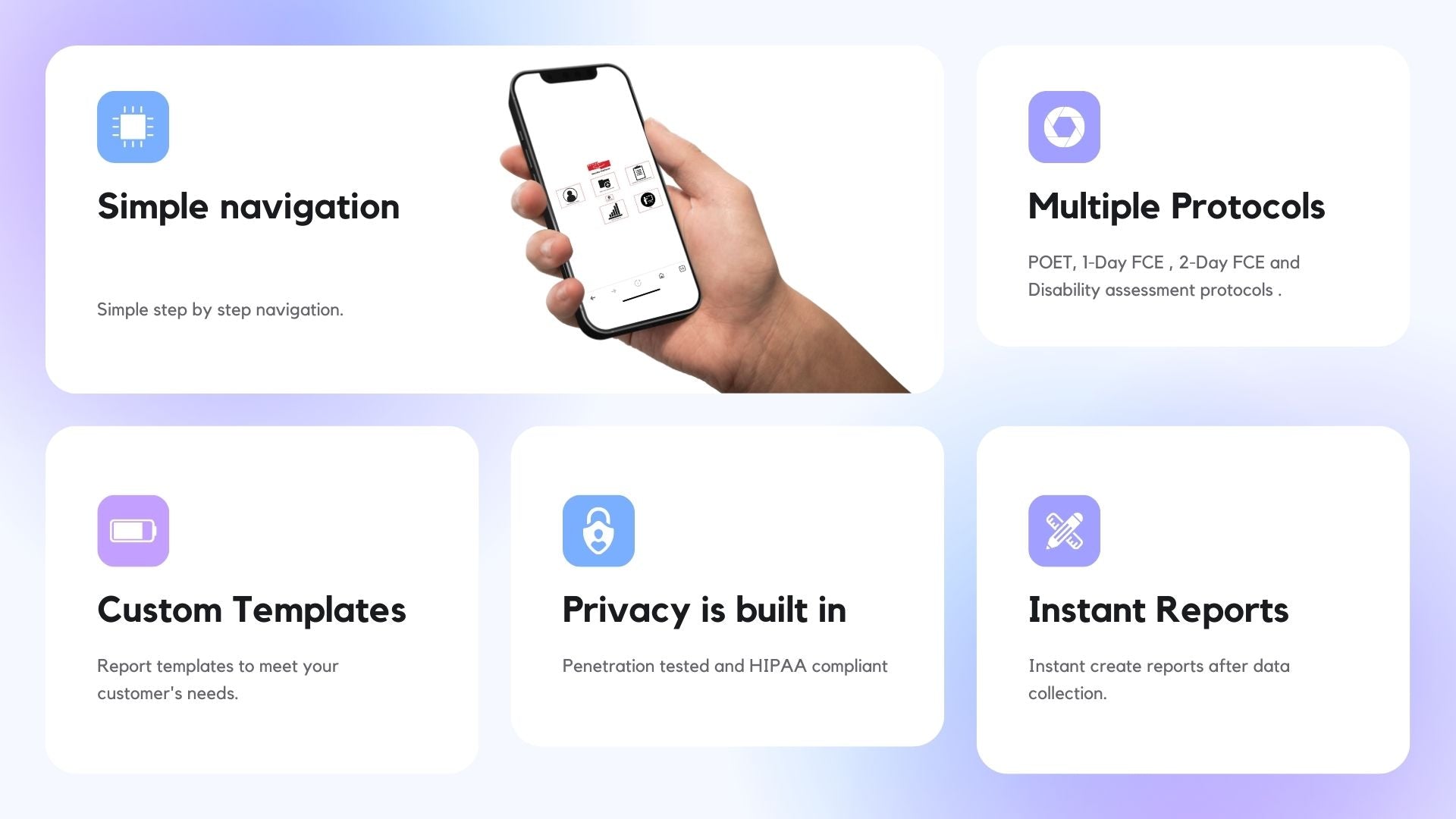
- You complete any remaining data entry and generate a draft FCE report using the Metriks FCE software.
- Reporting options include:
- The standard Metriks FCE template, or
- A custom report template aligned with a clinic or referral source’s preferred format (one-time template development fee applies).
- You download the report, open it in Microsoft Word, and make any required narrative or formatting adjustments.
Quality Review & Finalization
- The draft report is sent to the clinic for quality review and approval.
- Once approved, the clinic submits the finalized FCE report and invoice to the referral source.
Billing
- You invoice the clinic your negotiated per-FCE rate.
- Because you are supplying the equipment and software-enabled workflow, a higher per-evaluation rate is typically justified.
- Metriks invoices you $35 per completed FCE for software usage.